Scarlet Lyrics
Lyrics that scroll along with whatever you're playing.
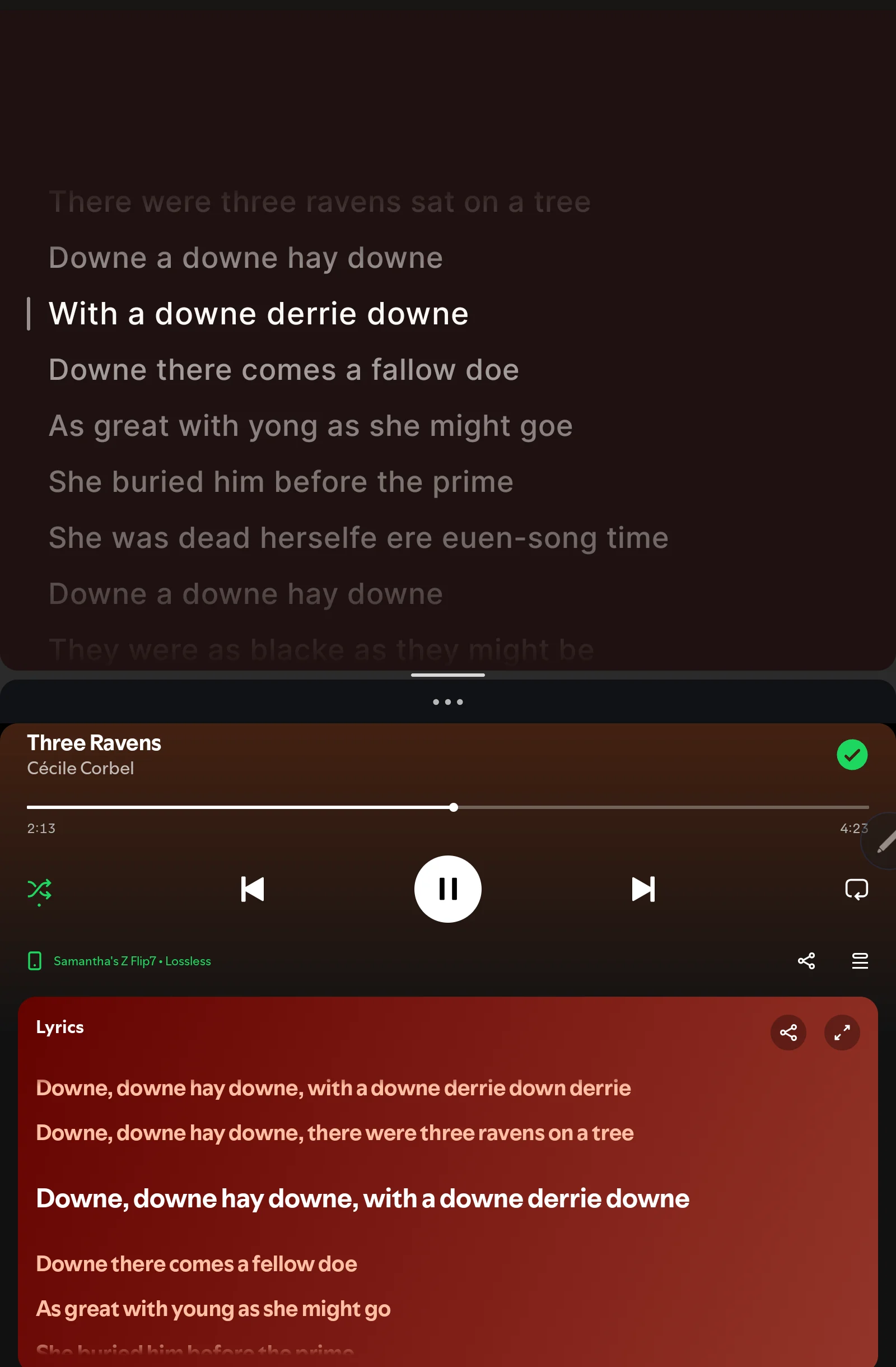
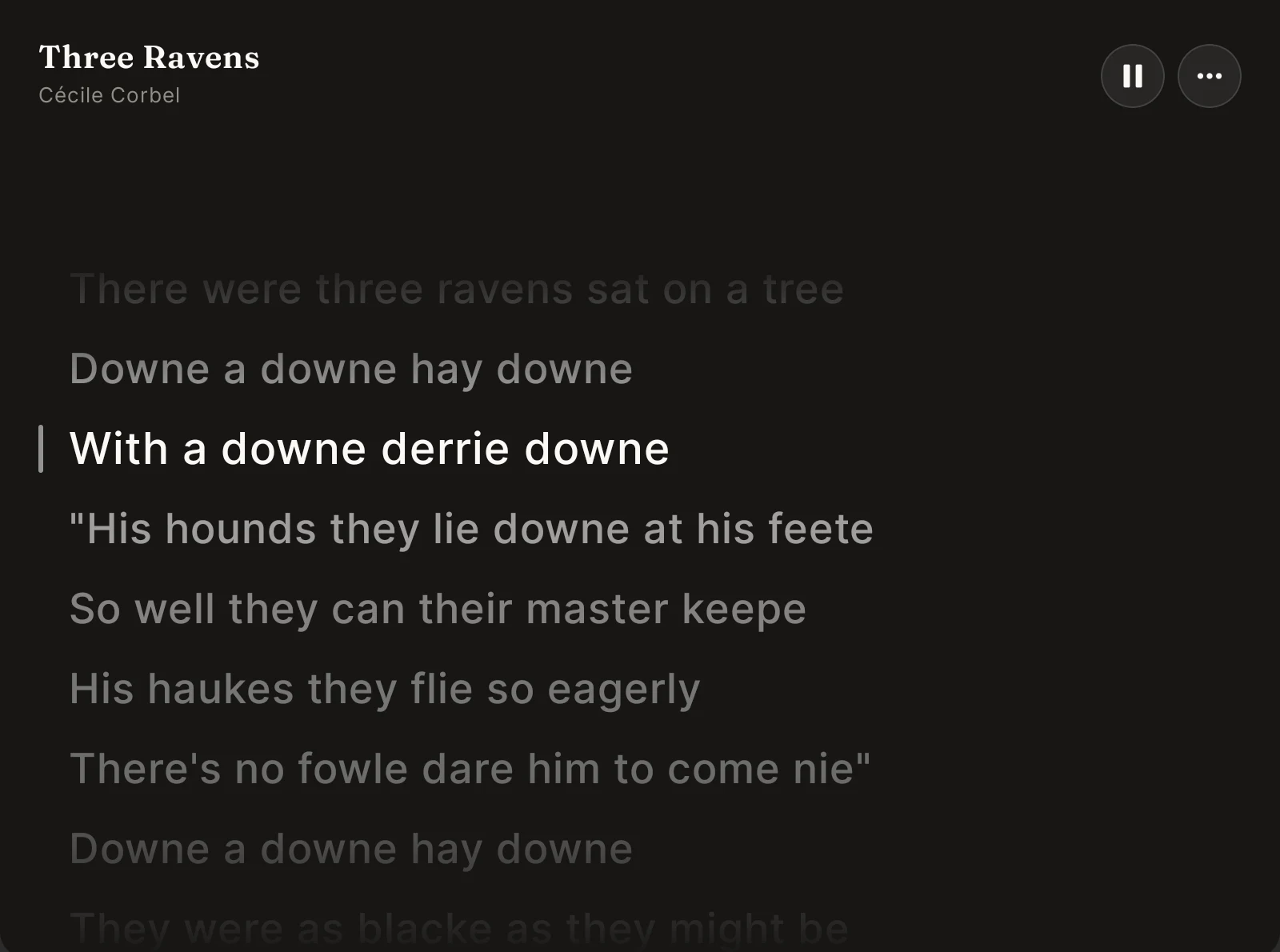
- Follows the song playing on your device and highlights the line being sung. Tap a line to jump the song there.
- Timing a little off? Nudge it earlier or later, and it remembers.
- "Wrong lyrics?" lets you pick a different match, and it sticks to that track.
- Works in split screen next to your music app. Open it while Spotify is playing and Spotify comes up beside it.
- A little of the album cover tints the background, taken from the art your music app already shares. Never downloaded, never saved.
- If the connection drops, it tries again quietly, and the lyrics appear once you're back online.
- Lyrics come from LRCLIB, a free and open lyrics library. That's the only place it connects to.
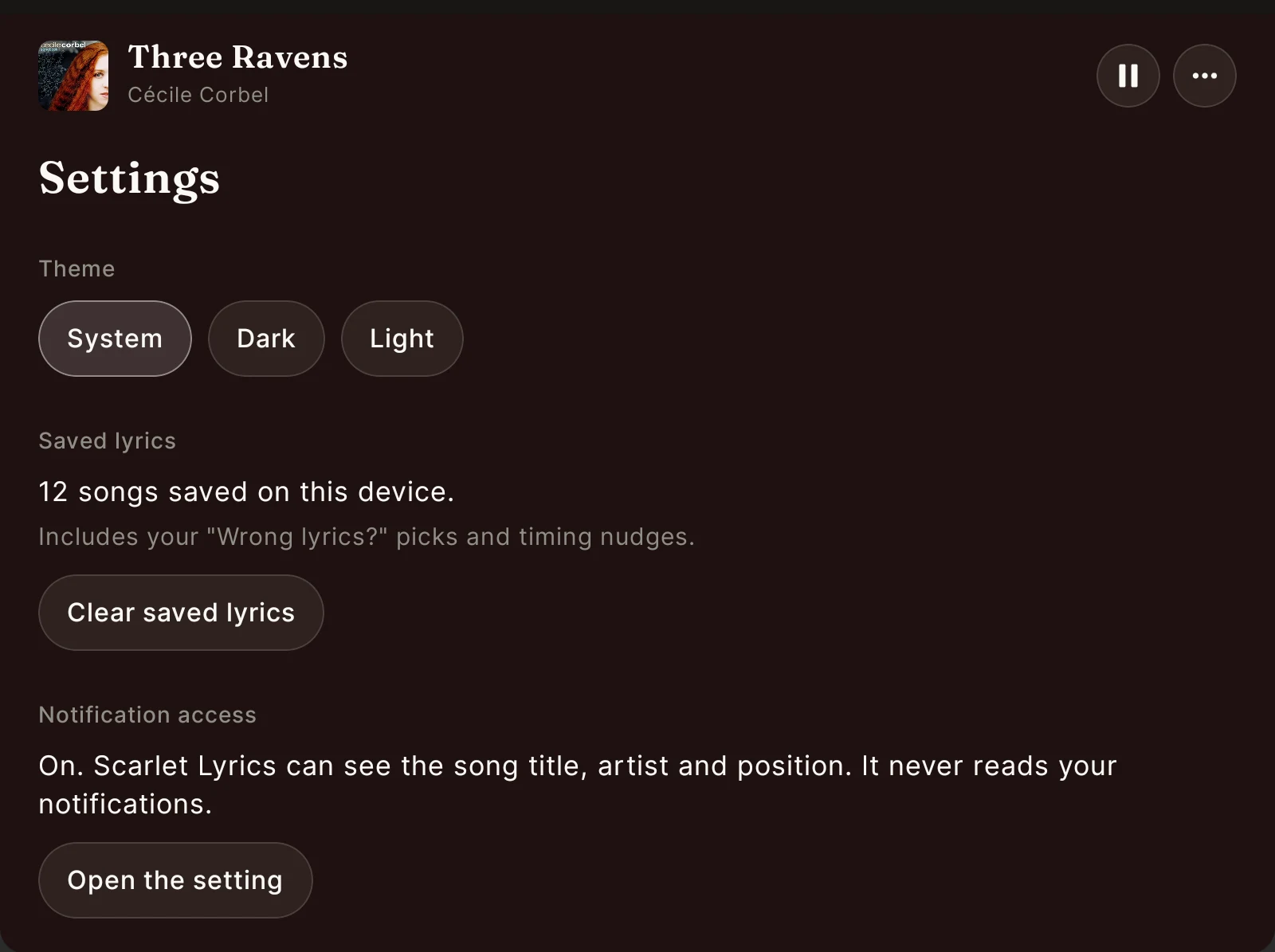
- Reads only the song title, artist and position. Never your notifications. Keeps no listening history.
Song in the screenshots: "The Three Ravens," a traditional ballad first printed in 1611, sung by Cécile Corbel.
No ads. No spying. No account. Free, the whole way through.